
Page Title
Upcoming Sign Ups & Events

Free Oil Changes
We know that navigating life as a single parent or managing a household after losing a spouse can be a heavy journey. We want to lift a little bit of that weight and shower you with the love and care you deserve. If you are a single mom, single dad, widow, or widower,...

Your next step?
Come share some lunch with a few other people while Pastor Justin shares where the church is headed and how we plan to get there. Plus, you'll hear about next steps you can take and ask all the questions you might have. Please fill out this registration...
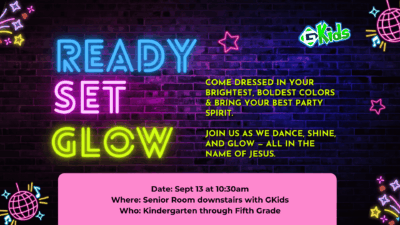
GLOW PARTYYYY!!
Hey everyone! It is almost time for GLOW PARTY!!! Please be sure to mark your calendars for September 13th during second service so you don't miss all the fun! We can't wait to see you at the party!
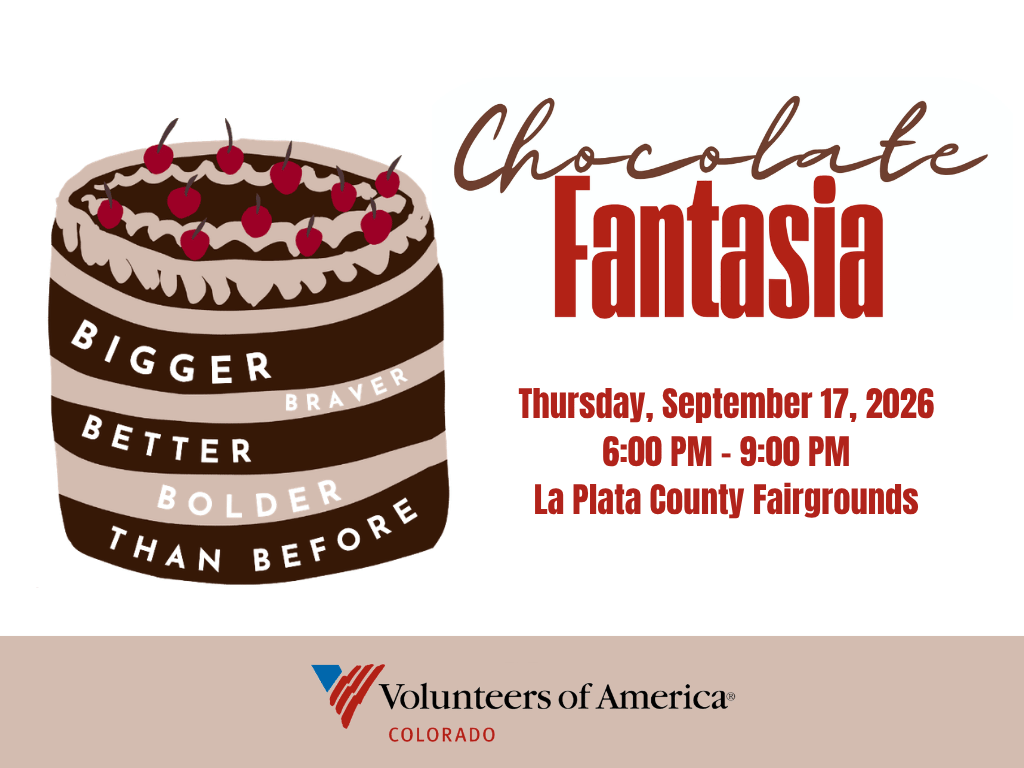
Chocolate Fantasia
Chocolate Fantasia, benefiting Volunteers of America Colorado's Durango Community Shelter and Southwest Safehouse! Chocolate Fantasia is a fun and inspiring evening featuring chocolate creations from local chefs and community members, a silent auction, wine and beer,...
Section Full Width Backgrounds
To set a section to have a full width background edit the settings for the section (blue) and set the Preset to: Scrolling BG Image
Image Rounded Corners
To set an image with global rounded corner settings, change the Preset in the image settings to Rounded Corners.

Animation Defaults
We like to add a little pizaz to a site with some animation. We typically like to set the animation intensity to 4% for a subtle animation style.
Heading 1
Heading 2
Heading 3
Heading 4
Heading 5
Heading 6
Your content goes here. Edit or remove this text inline or in the module Content settings. You can also style every aspect of this content in the module Design settings and even apply custom CSS to this text in the module Advanced settings.
- Numbers
- Here
- We
- Go
- Unordered ListClick Here
- Here
- We
- Go
Heading 1
Heading 2
Heading 3
Heading 4
Heading 5
Heading 6
Your content goes here. Edit or remove this text inline or in the module Content settings. You can also style every aspect of this content in the module Design settings and even apply custom CSS to this text in the module Advanced settings.
- Numbers
- Here
- We
- Go
- Unordered List
- Here
- We
- Go